基于自架的PushDeer实现手机推送功能
官方的网址:https://www.pushdeer.com/selfhosted.html
实现流程:在本地通过docker部署服务端,启动后可通过IP/域名访问服务即可.
我的环境:Ubuntu18.04 LTS
安装Docker
卸载旧版本
1
2
3
4
5
6
sudo apt-
get
remove
 docker \
               docker-engine \
               docker.io
使用https传输,并检查CA证书
1
2
3
4
5
6
7
8
9
10
11
12
sudo apt-get update
sudo apt-get install
\
    apt-transport-https
\
    ca-certificates
\
    curl
\
    gnupg
\
    lsb-release
添加软件源密钥
1
2
3
4
5
6
7
8
9
10
11
curl -fsSL https:
//mi
rrors.aliyun.com
/docker-ce/
linux
/ubuntu/g
pg | sudo gpg --dearmor -o
/usr/
share
/keyrings/
docker-archive-keyring.gpg
添加稳定版 Docker APT镜像源
1
2
3
4
5
6
7
8
9
10
echo \
"deb [arch=amd64 signed-by=/usr/share/keyrings/docker-archive-keyring.gpg] https://mirrors.aliyun.com/docker-ce/linux/ubuntu \
  $(lsb_release -cs) stable"
 | sudo tee
/etc/
apt
/sources.list.d/
docker.list >
/dev/
null
安装docker
1
2
3
4
5
6
7
8
9
10
sudo apt-
get
update
sudo apt-
get
 install docker-
ce
 docker-
ce
-cli containerd.io
启动docker
1
2
3
4
5
6
sudo
system
ctl enable docker
sudo
system
ctl start docker
建立docker用户组,并将当前用户加入用户组
1
2
3
4
sudo
 groupadd docker
sudo usermod -aG docker
$USER
退出终端并重新登录,测试是否安装正确
如执行完docker run --rm hello-world后出现如下输出,则docker已正确安装
1
2
3
4
5
6
7
8
9
10
11
12
13
14
15
16
17
18
19
20
21
22
23
24
25
26
27
28
29
30
31
32
33
34
35
36
37
38
39
40
41
42
43
44
45
46
47
48
49
50
51
52
53
54
55
56
57
58
59
60
61
62
63
64
65
66
67
68
69
70
71
72
73
74
75
76
77
78
79
80
81
82
docker run
--rm hello-world
Unable
to
 find image
'hello-world:latest'
 locally
latest: Pulling
from
 library/hello-world
b8dfde127a29: Pull complete
Digest: sha256:
a43596e83578c7dfa15e27a73011bdd402185a84c5cd7f32a88b501a24
Status: Downloaded newer image
for
 hello-world:latest
Hello
from
 Docker!
This message shows that your installation appears
to
 be working correctly.
To generate this message, Docker took
the
 following steps:
.
 The Docker client contacted
the
 Docker daemon.
.
 The Docker daemon pulled
the
"hello-world"
 image
from
the
 Docker Hub.
    (amd64)
.
 The Docker daemon created
a
new
 container
from
 that image which runs
the
    executable that produces
the
 output you are currently reading.
.
 The Docker daemon streamed that output
to
the
 Docker client, which sent
it
to
 your terminal.
To
try
 something more ambitious, you can run
an
 Ubuntu container
with
:
 $ docker run -
it
 ubuntu bash
Share images, automate workflows,
and
 more
with
a
 free Docker ID:
https
://hub.docker.com/
For more examples
and
 ideas, visit:
https
://docs.docker.com/
get
-started/
安装docker-compose
下载compose文件到/usr/local/bin中
1
2
3
4
5
6
7
sudo curl -L
"https://github.com/docker/compose/releases/download/v2.6.1/docker-compose-$(uname -s)-$(uname -m)"
 -o
/usr/
local
/bin/
docker-compose
修改文件为可执行权限
1
2
3
4
5
sudo chmod +x
/usr/
local
/bin/
docker-compose
验证版本
1
2
docker-compose
--version
开启本地端口
该服务默认运行在8800端口(可修改docker-compose.yml调整端口),如果本地是云服务器,需要在安全组开启端口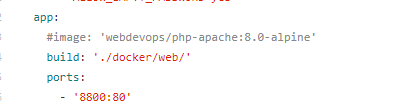
构建服务器端
下载仓库至本地
1
2
3
4
5
git clone https:
//gi
tee.com
/easychen/
pushdeer.git
构建容器并后台启动
1
2
3
4
5
6
7
cd pushdeer
docker-compose -f docker-compose
.self-hosted
.yml
 up
--build
 -d
第一次构建时间较长,等待构建结束在浏览器访问IP/域名:8800即可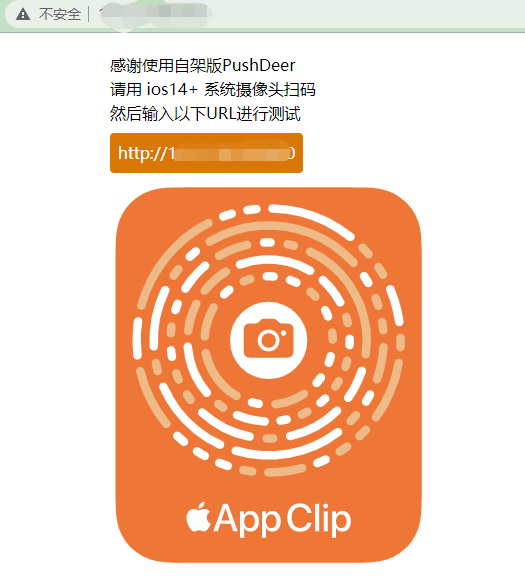
后台查看进程
1
docker-compose ps

实时查看日志
1
docker-compose logs -f app

停止所有容器
1
docker-compose down
IOS14+系统摄像头扫码可打开手机上的轻App,轻App中需要填写API endpoint,内容就是IP/域名:8800。进入轻App后需要注册设备,Key是自动生成的。接下来就可以直接进行测试了。建议是直接在AppStore中下载自架版PushDeer,轻App会在30天未使用后自动删除,到时候需要重置一些东西,比较麻烦。
推送消息
推送文字
1
2
3
4
5
6
7
8
9
10
11
12
http:
//
.5
.
.90
:
/message/
push?pushkey=
$Key
$&text=
$text
$
地址栏填写内容

Python requests实现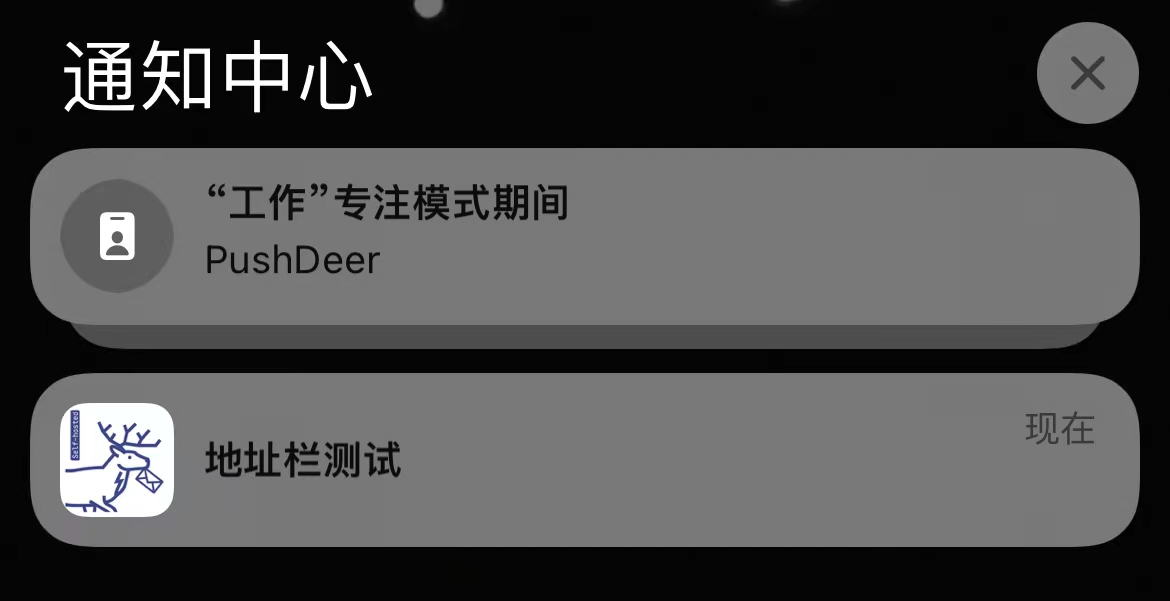
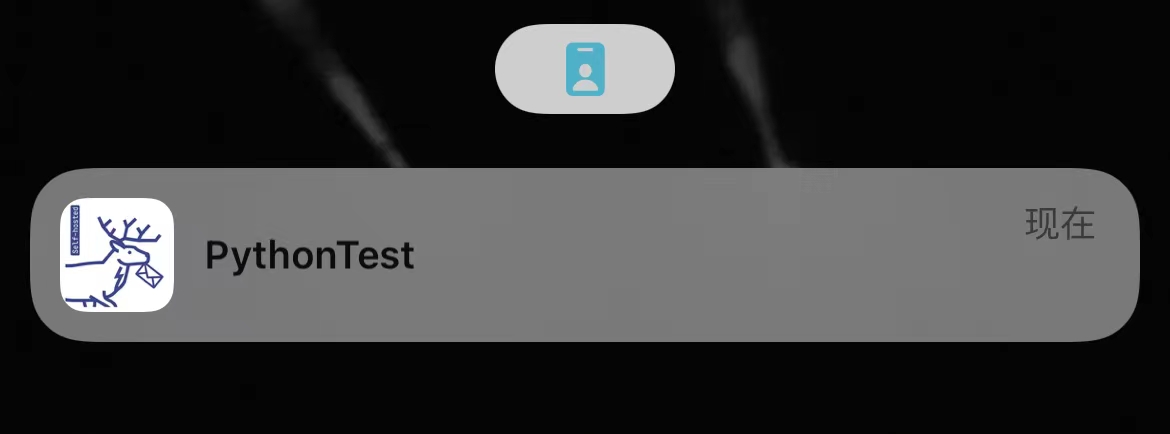
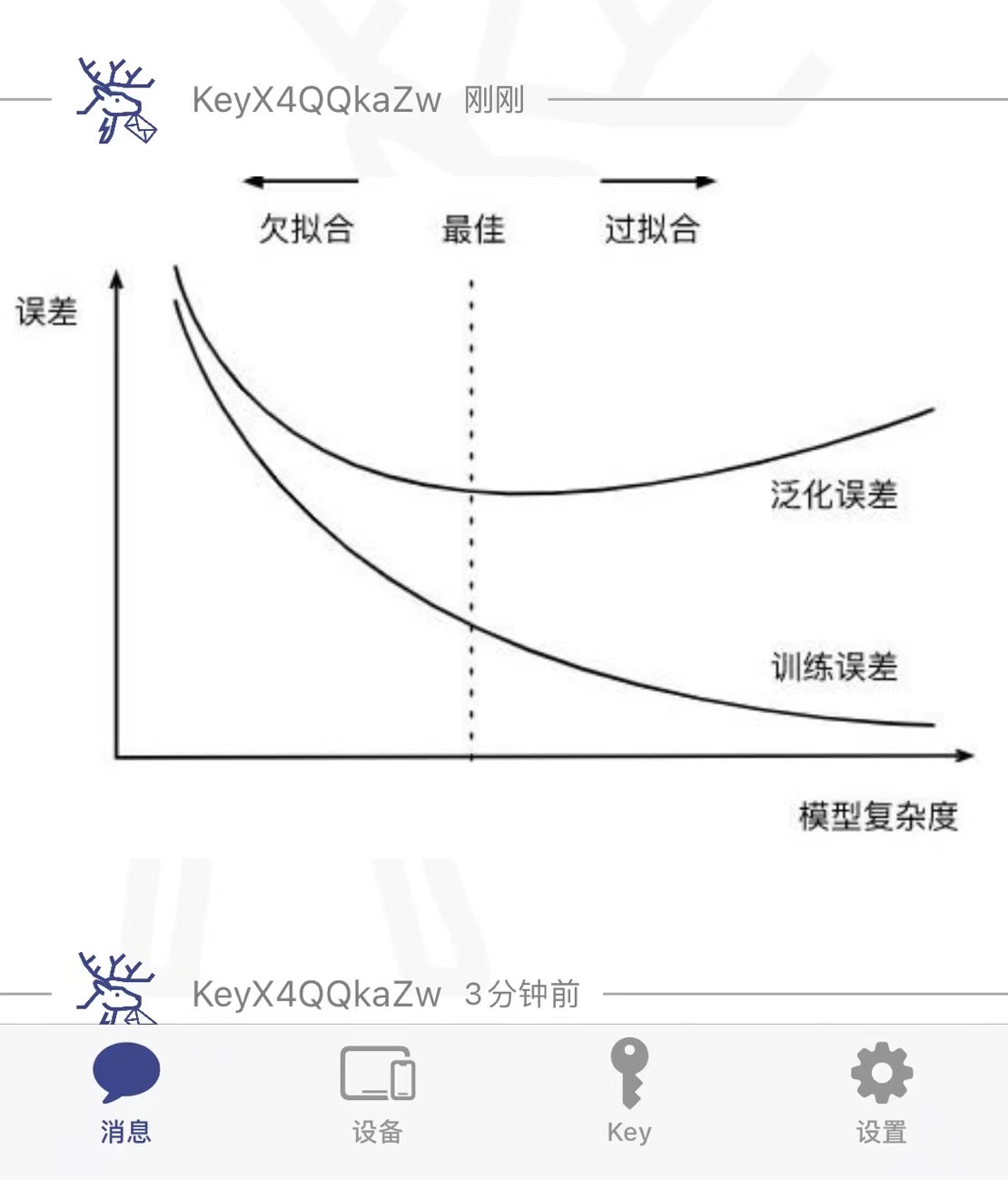
推送图片

推送markdown
1
2
3
4
5
6
7
https:
//
api2.pushdeer.com
/message/
push?pushkey=
$Key
$&text=标题&desp=<markdown>&type=markdown
需要注意的是,VScode在闲置的时候好像会自行对代码中的连接发送请求,导致我手机重复收到推送。建议将其做成工具,这样就可以直接调用了。
基于自架的PushDeer实现手机推送功能
https://zhouyinglin.top/2023/01/03/基于自架的PushDeer实现手机推送功能/